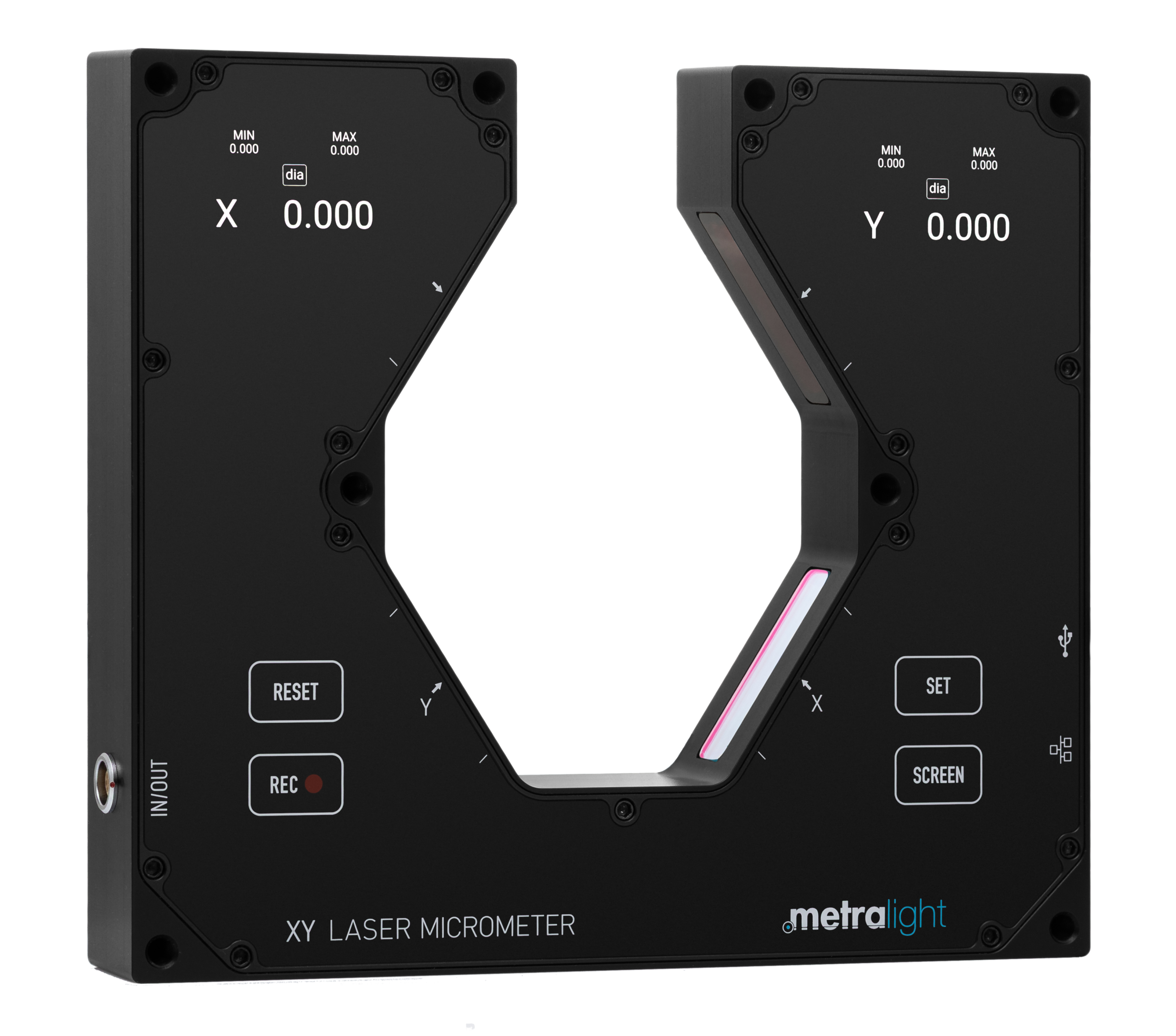
Features
Main device features
- Embedded Linux OS including web server
- Multiple connection options: USB/Ethernet/Wi-Fi/IO
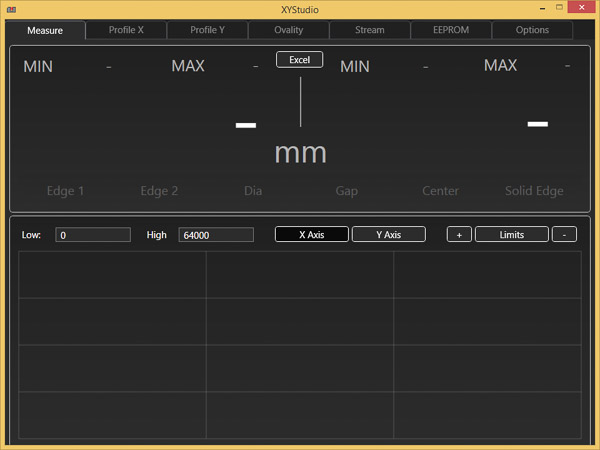
- Integrated web measuring application – remote access using mobile phone available (using Wi-Fi)
- 4 GB memory
- 2200 samples per second
- High-resolution color OLED displays
- Capacitive keypad
Typical applications
- Non-contact measurement for online or offline checking of outside diameter, position, and ovality.
- Measurement of various types of materials across a wide range of industries (metal, plastic, glass, ceramics, wood, and others).
- Simultaneous position and diameter measurement on both axes.
- Checking of size and tension of wire and cable on automated lines.
- Diameter measurement of tube and pipe, both in-process and sampling.
- Measurement insensitivity to product positioning or movement guarantees reliability.
- Process and line-control applications include continuous fiber drawing, loose tubing, glass pre-forming, and glass tubes and bars.


Technical specification
| Measurement Range (each axis) | 28 mm (1.10″) |
| Resolution | 0.4375 µm |
| Repeatability | 3 µm (Edge Position, Calibrated Distance) |
| Response Time | 0.454 ms |
| Non-Linearity | < 10 µm (Edge Position, Calibrated Distance) |
| Measuring Modes | Edge 1, Edge 2, Diameter, Gap, Center, Solid |
| Power | USB (5 V) / Active PoE over Ethernet / I/O connector (12-24 VDC) |
| Wired Connection | Micro USB B connector / Ethernet / I/O connector |
| Communication protocol | Modbus TCP (measured values only), full-featured custom ASCII protocol over TCP or HTTP |
| Wireless connection | Wi-Fi 802.11b/g client or AP |
| Display | 2 × OLED, 448 × 368 px |
| Memory | 4 GB |
| Overall Dimensions | 170 × 150 × 25 mm (6.70″ × 5.91″ × 0.99″) |
| Weight | 610 g (21.52 oz) |
| Operating temperature | 0°C to 50°C (32°F to 122°F) |
| Storage temperature | -20°C to 70°C (-4°F to 158°F) |
| Device Class | Laser Device (Laser Diode 670 nm Class I) |
Download
MicroXY Gen. 2 contains integrated web interface and no external software is needed.